12 lessons · Original software screenshots
Learn the ESA S840, one screen at a time.
Find programs, prepare jobs, manage tooling and understand the operating workspaces. Start with the interface tour, or go directly to the task you need.
Programming and library tasks
Lessons 1–9 cover screen navigation and data preparation. Lessons 10–12 explain motion-mode information and require machine-specific training before use.
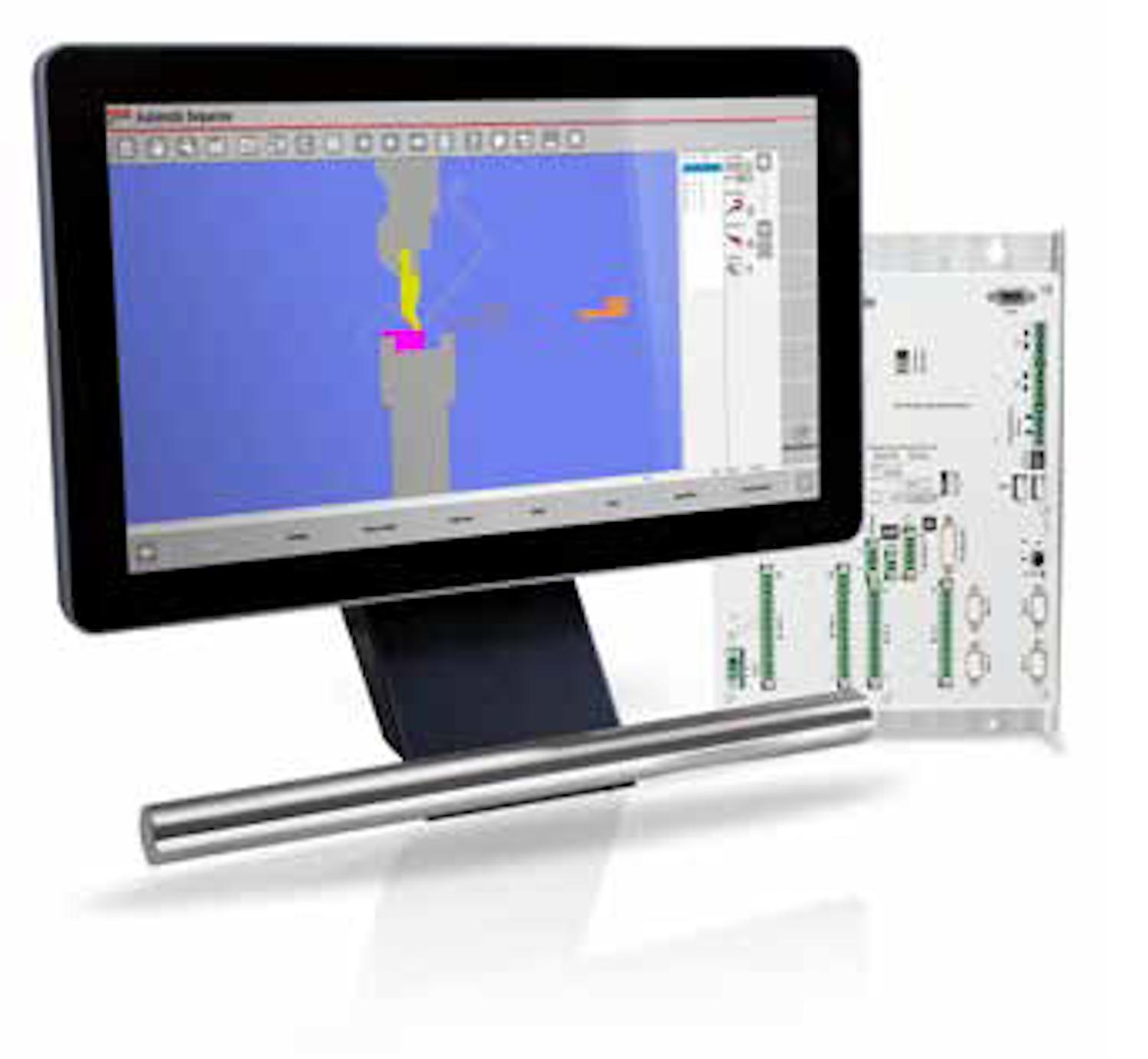
ESA S840 interface: a guided tour
Learn how the editor, status areas and mode shortcuts fit together before opening a production job.
Read lesson →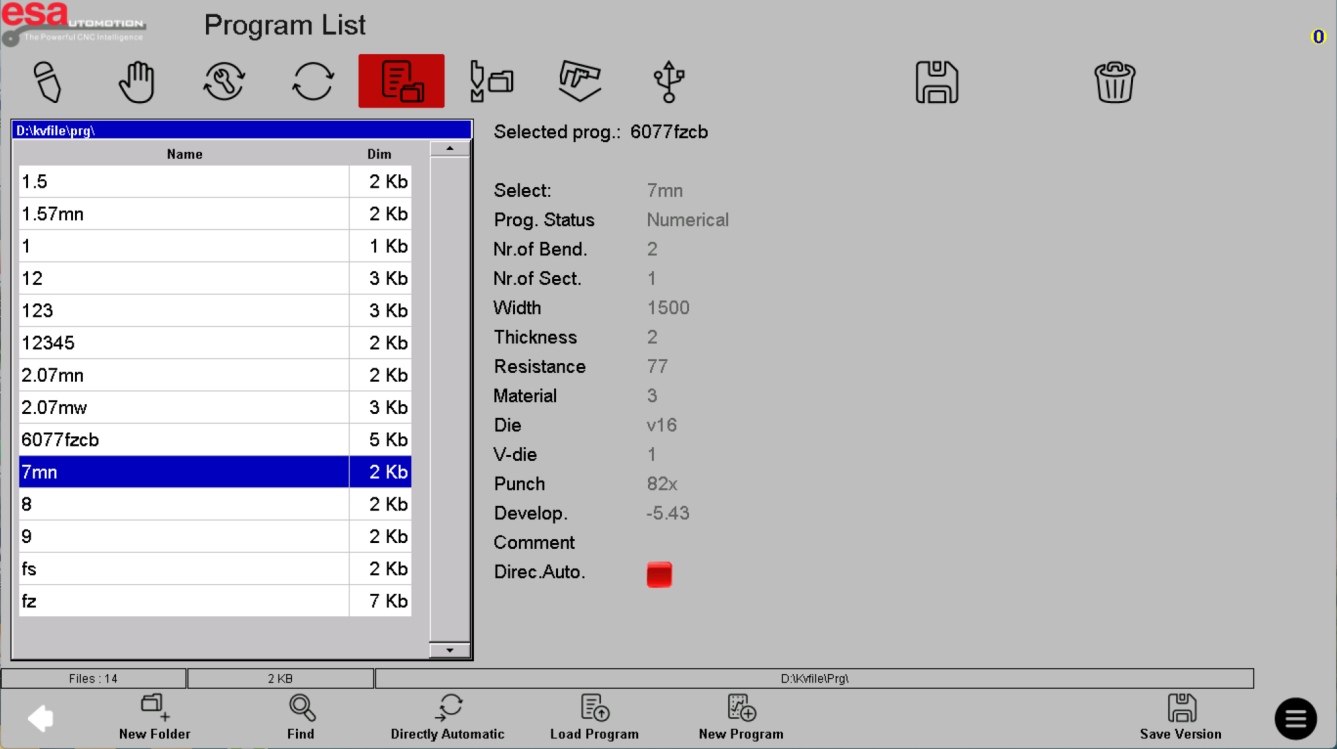
ESA S840 program list: find and review a job
Understand the selected file, the program summary and the difference between browsing a job and loading it.
Read lesson →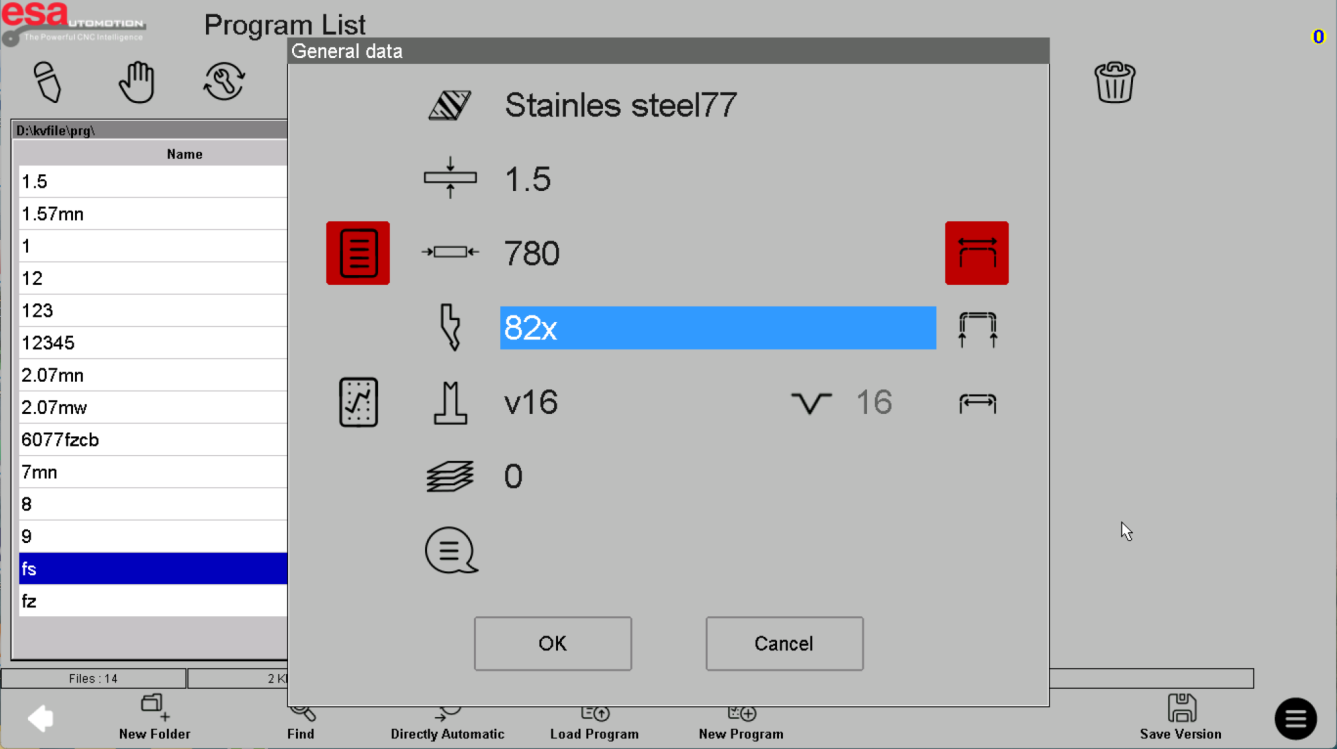
ESA S840: creating a new program
Compare numerical and graphical job preparation, starting with correct material and tooling data.
Read lesson →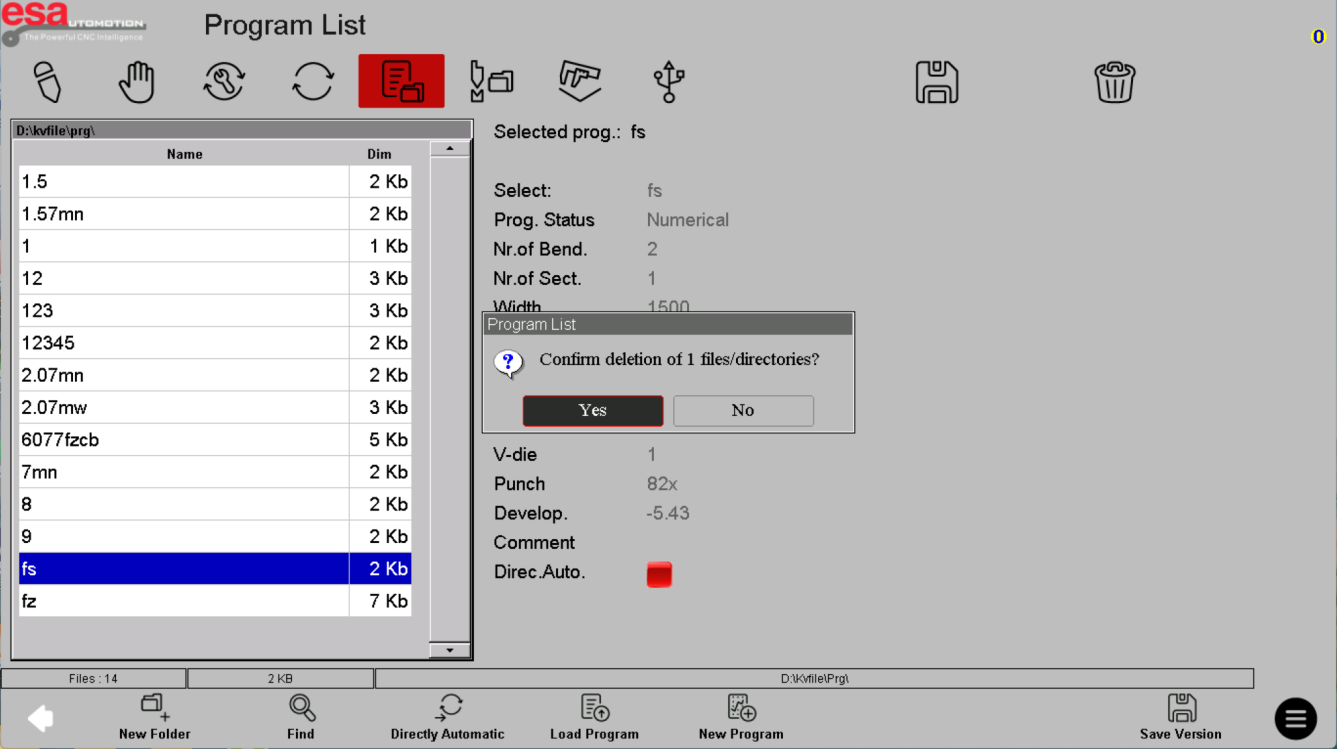
ESA S840: program copies and backups
Keep proven programs recoverable while managing copies, names and external storage.
Read lesson →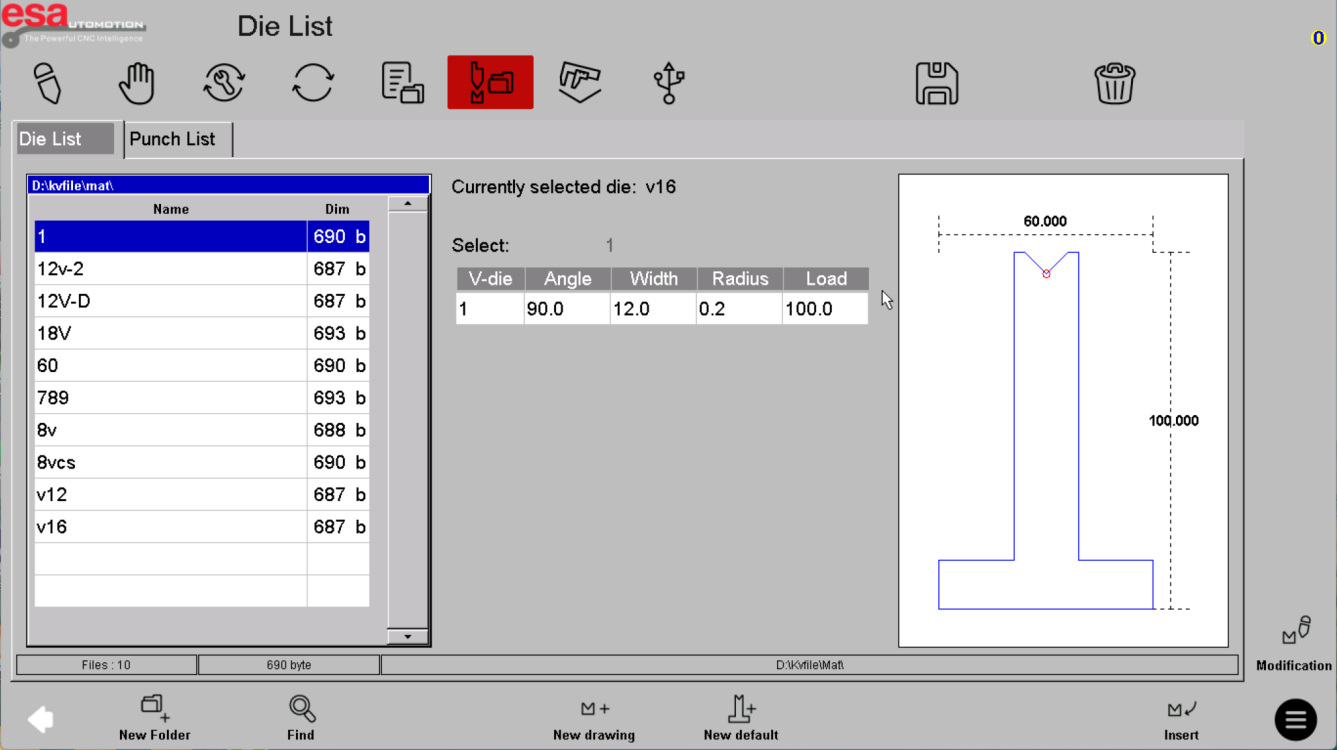
ESA S840 tool lists: punches and dies
Read tool-library entries and compare the selected punch or die with the physical setup.
Read lesson →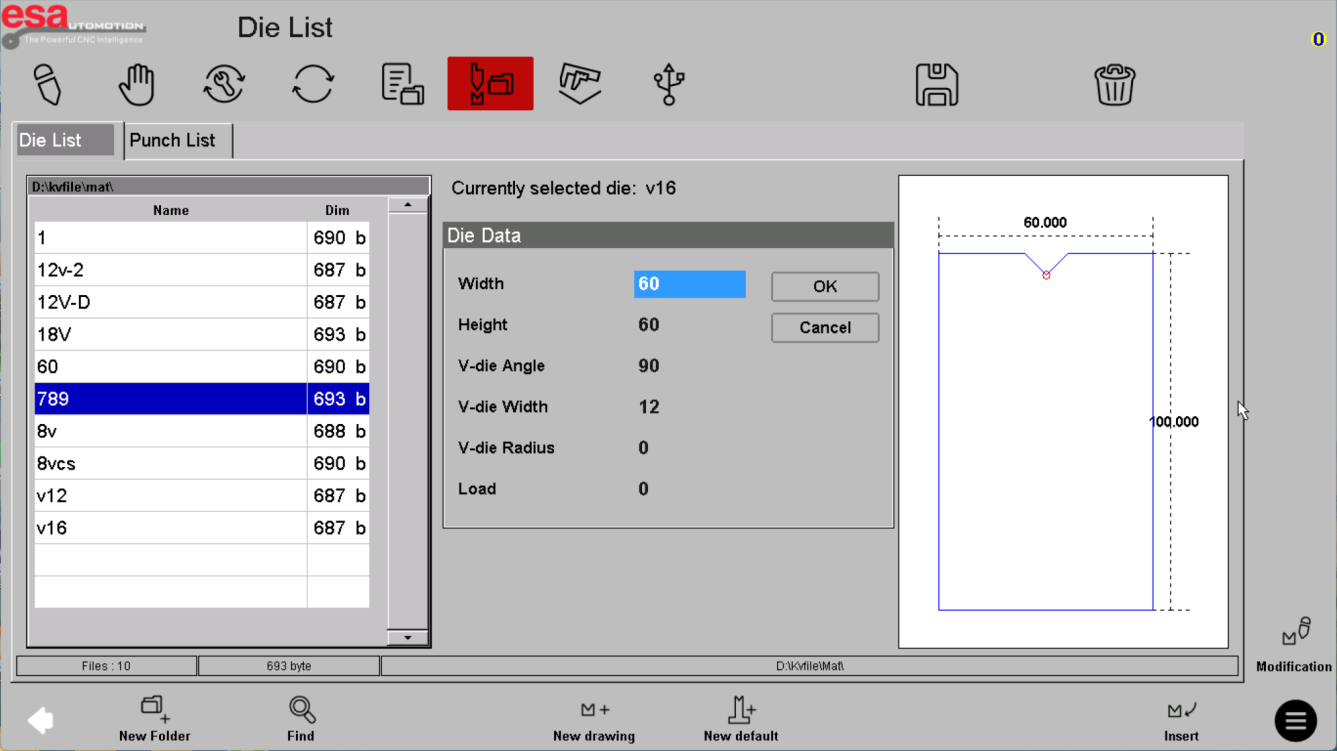
ESA S840: defining a punch or die
Build an accurate tool record from documented geometry rather than copying example dimensions.
Read lesson →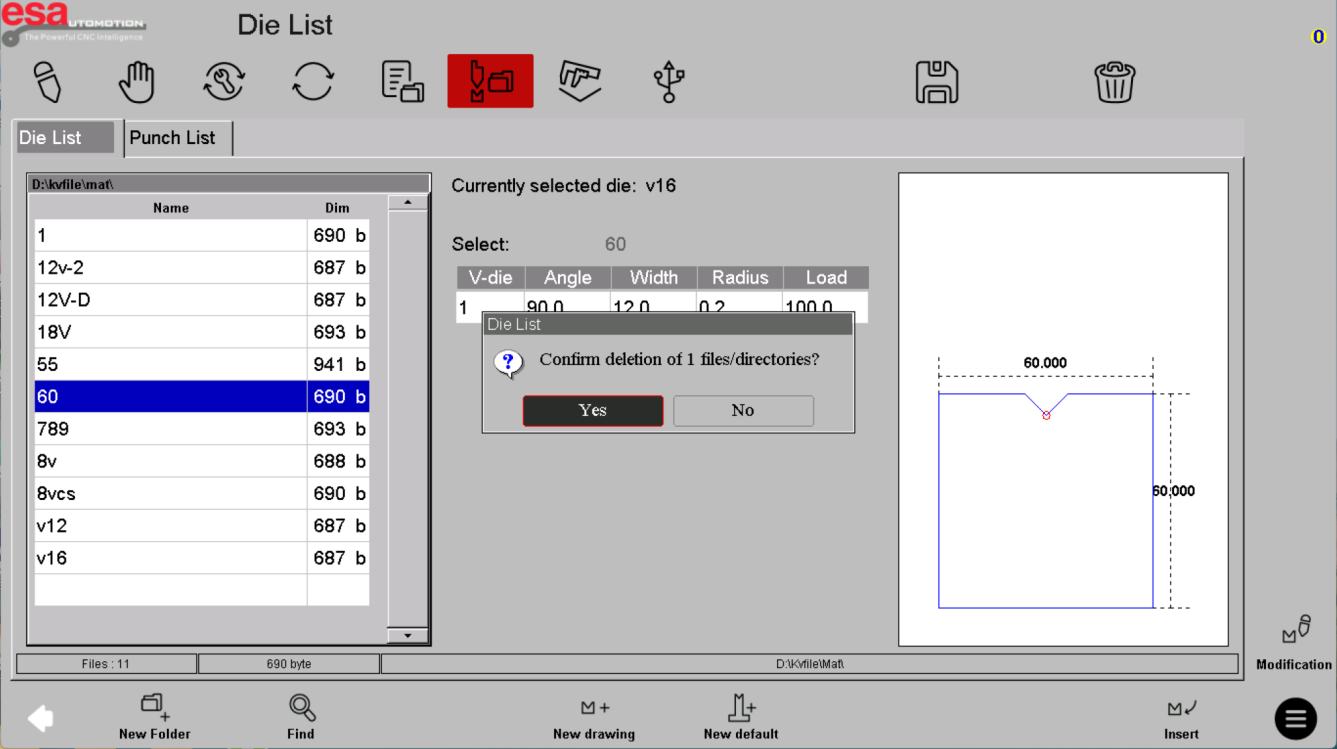
ESA S840: organize and back up the tool library
Keep punch and die records consistent across revisions, backups and approved machine setups.
Read lesson →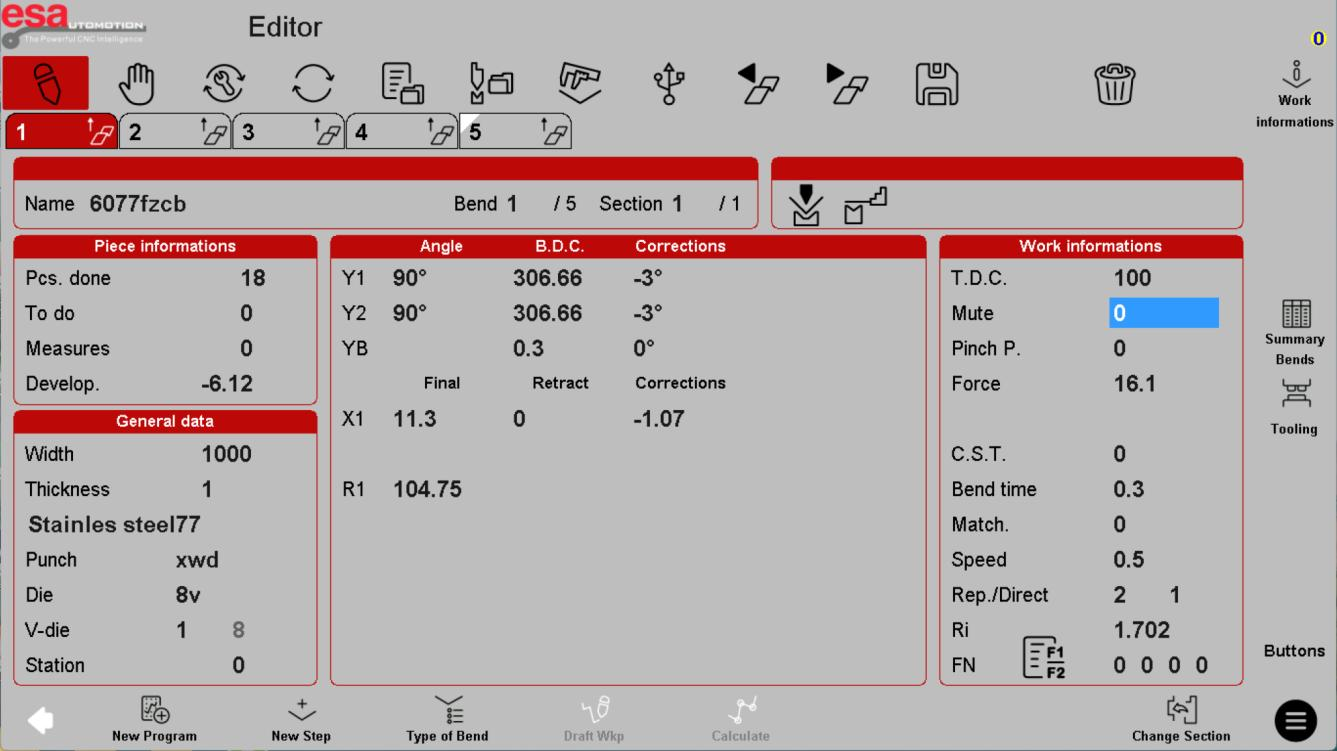
ESA S840 parameter screen: what the fields mean
Distinguish job data, axis positions and work information without treating sample values as recommended settings.
Read lesson →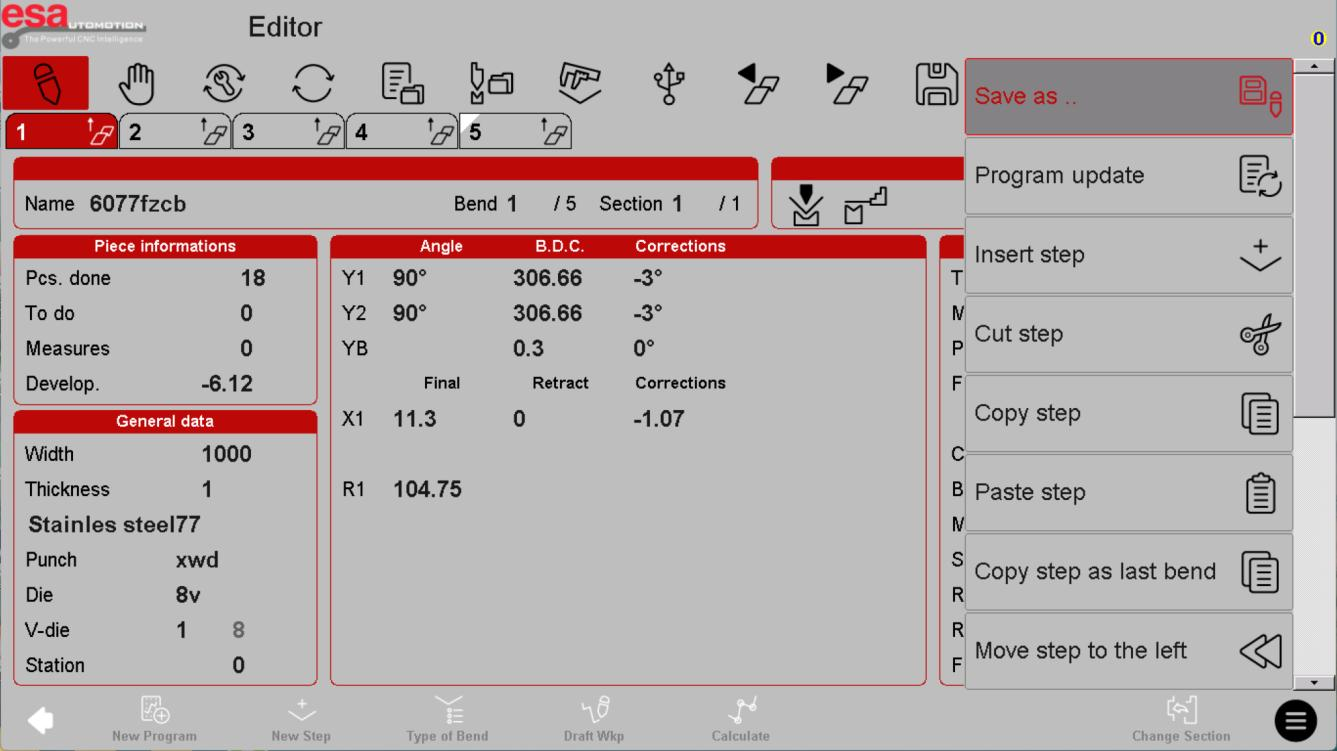
ESA S840 program editing: steps, tools and revisions
Understand change scope before inserting bends, replacing tools or saving a revised program.
Read lesson →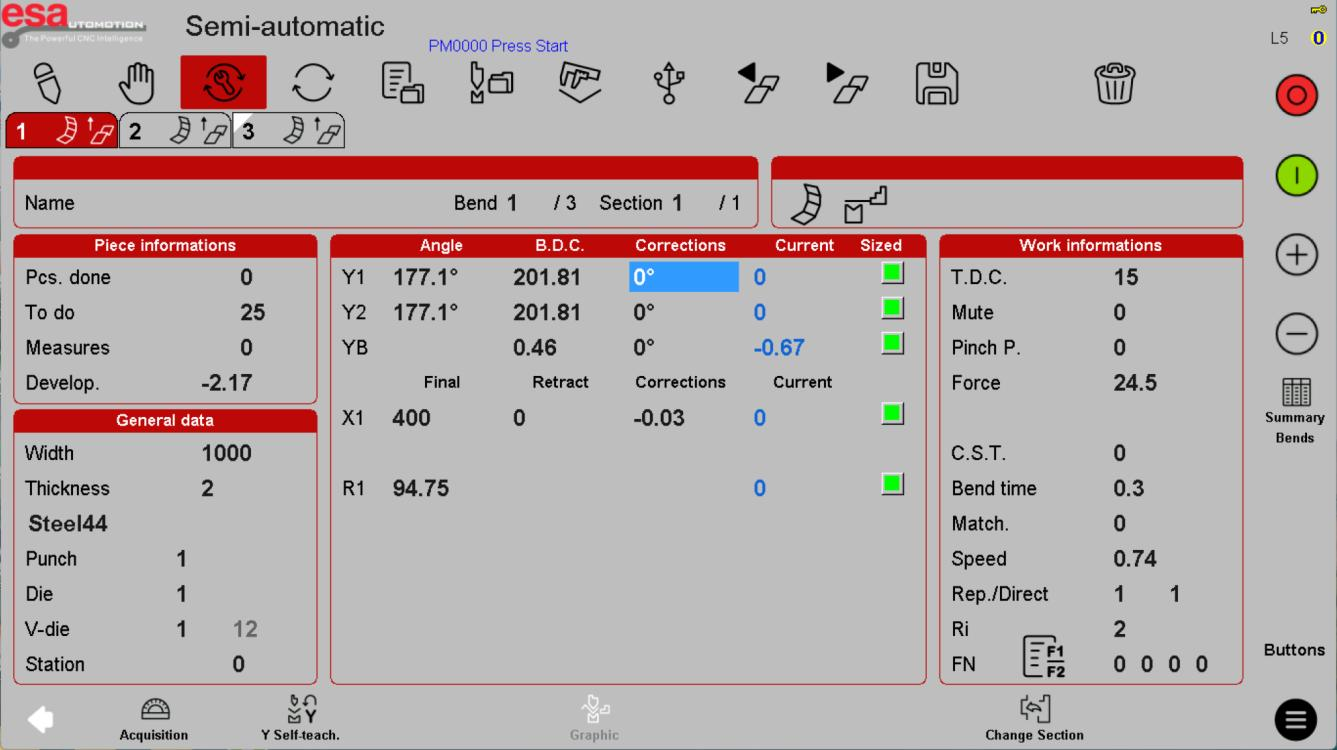
ESA S840 semi-automatic mode: measurement and corrections
Read the verification screen and understand correction scope before releasing a repeated job.
Read lesson →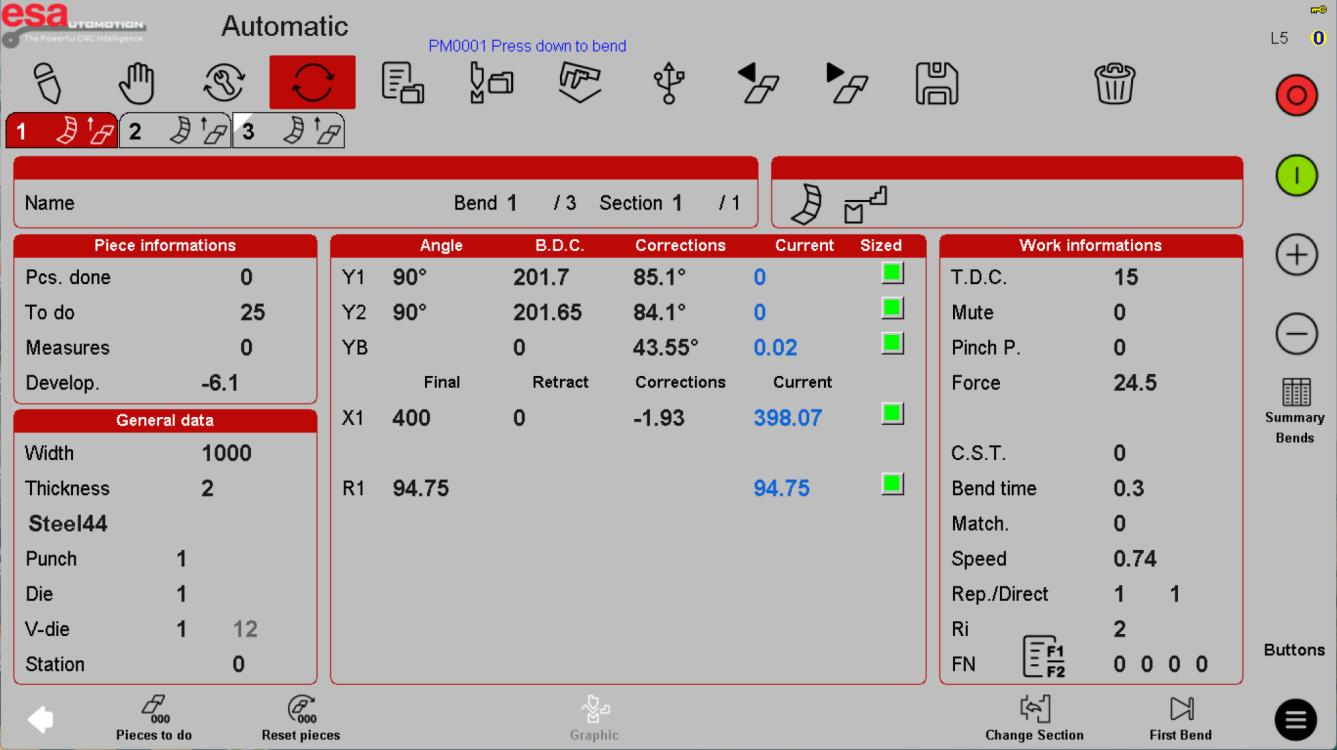
ESA S840 automatic mode: production readiness
Understand counters, step progress and controlled restart planning on an approved bending job.
Read lesson →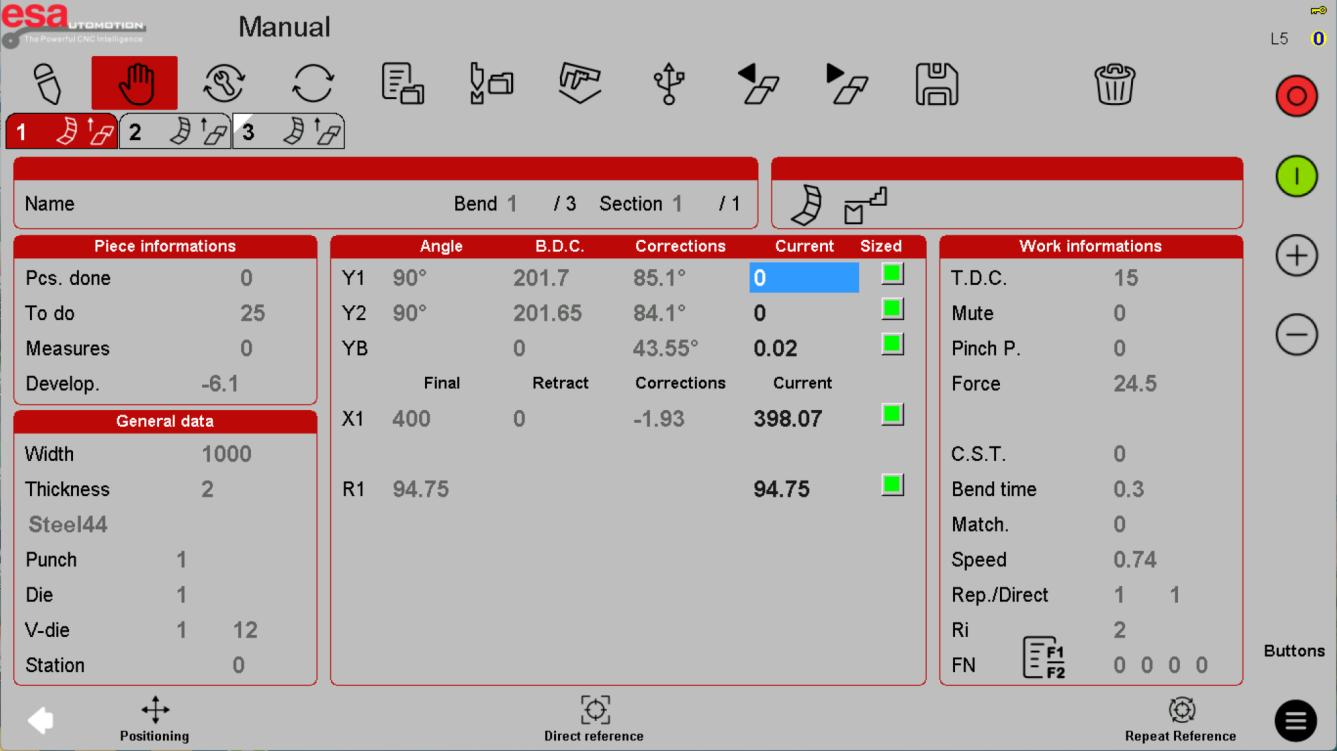
ESA S840 manual mode: axes and reference status
Recognize the manual workspace and understand why positioning and reference changes require machine-specific training.
Read lesson →