Separate a working copy from a backup
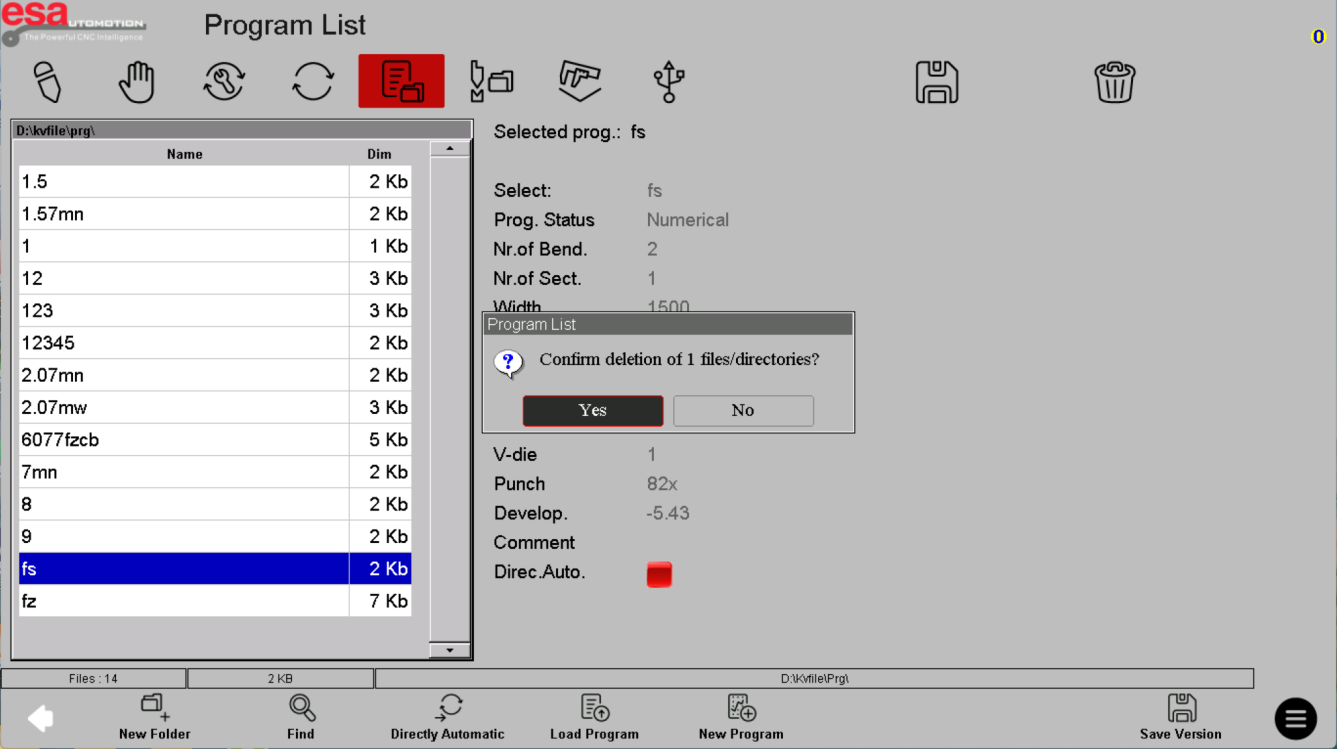
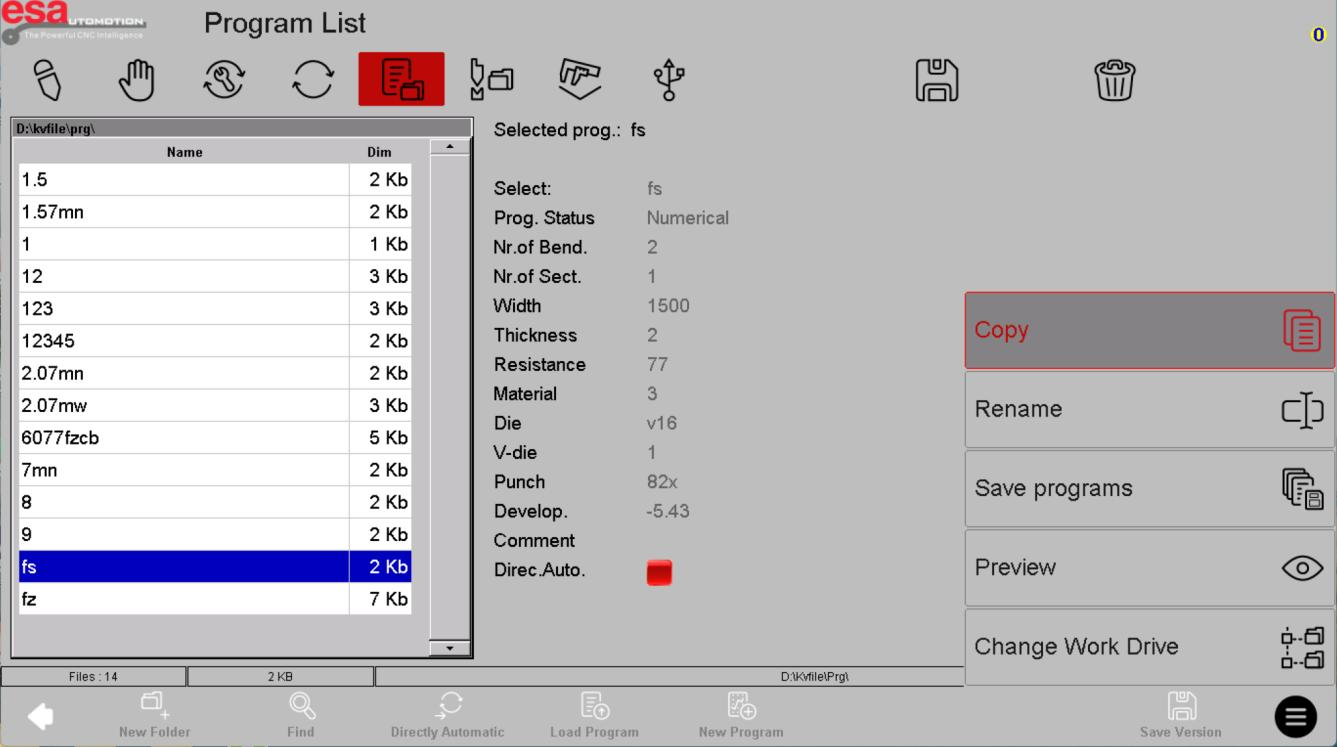
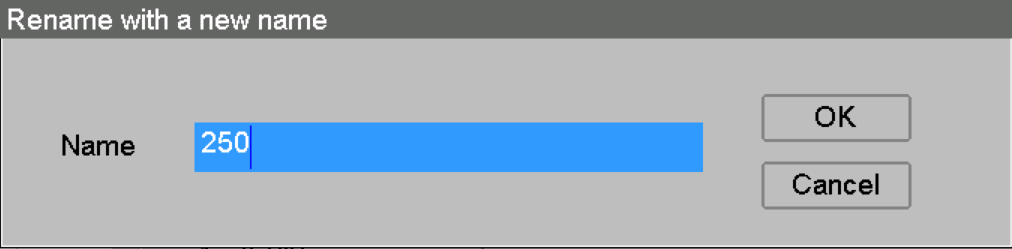
A copy creates another editable program; renaming changes identification. Neither replaces a backup stored separately. Before deleting anything, confirm a released copy exists and that no current job relies on that file.
Use the reference screens below alongside this explanation. Select an image to inspect its original size.
Confirm scope and destination
The reference distinguishes individual-product operations from all-product operations. Check the selected directory, file name and destination before confirming. Avoid overwriting the only known-good version with an unverified copy.
Use the reference screens below alongside this explanation. Select an image to inspect its original size.
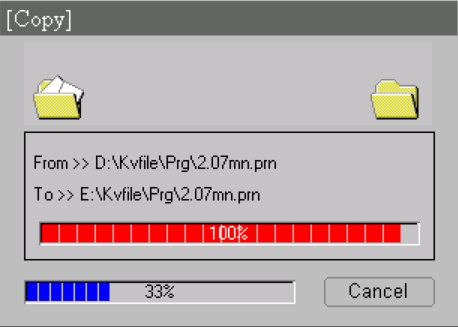
Restore deliberately
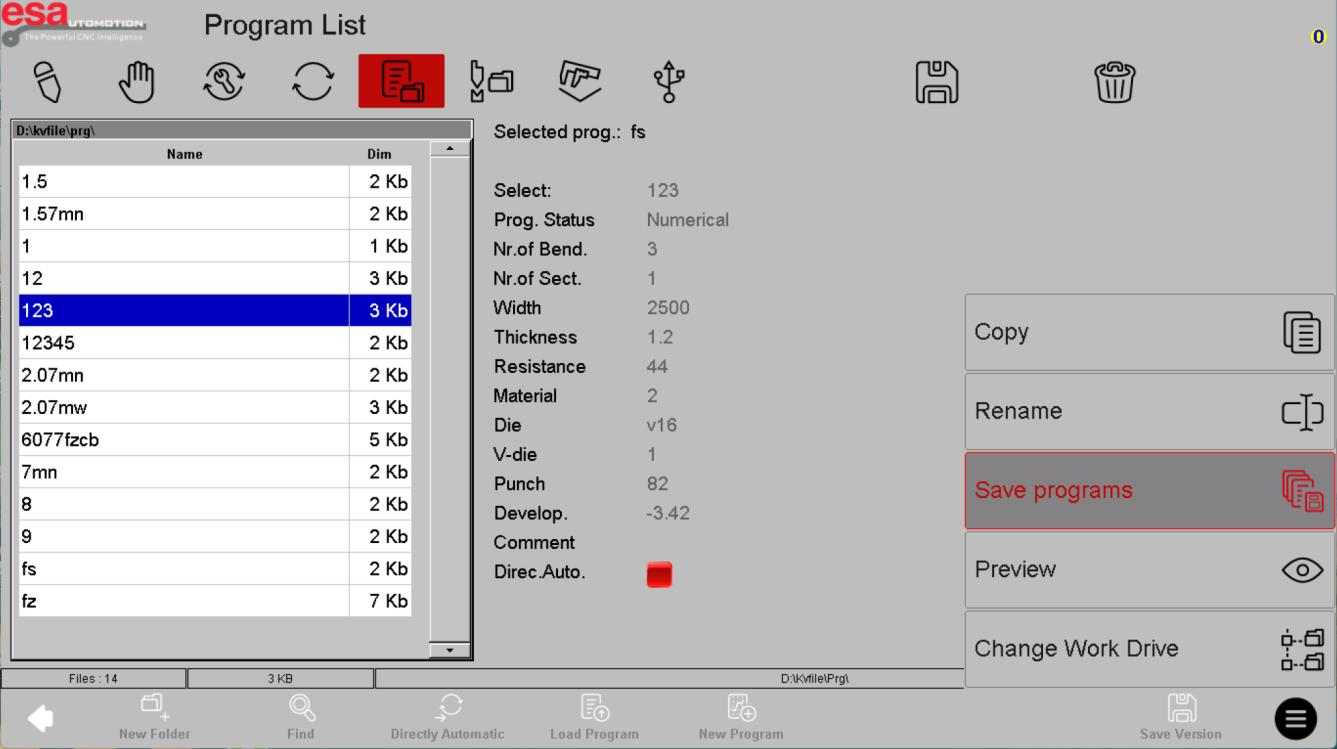
Recover a single known program when that is all you need. A bulk restore can affect many jobs. Confirm file compatibility, libraries and overwrite behaviour with the supplied manual, then inspect recovered programs before use. A program export is not a full machine-configuration backup.
Use the reference screens below alongside this explanation. Select an image to inspect its original size.

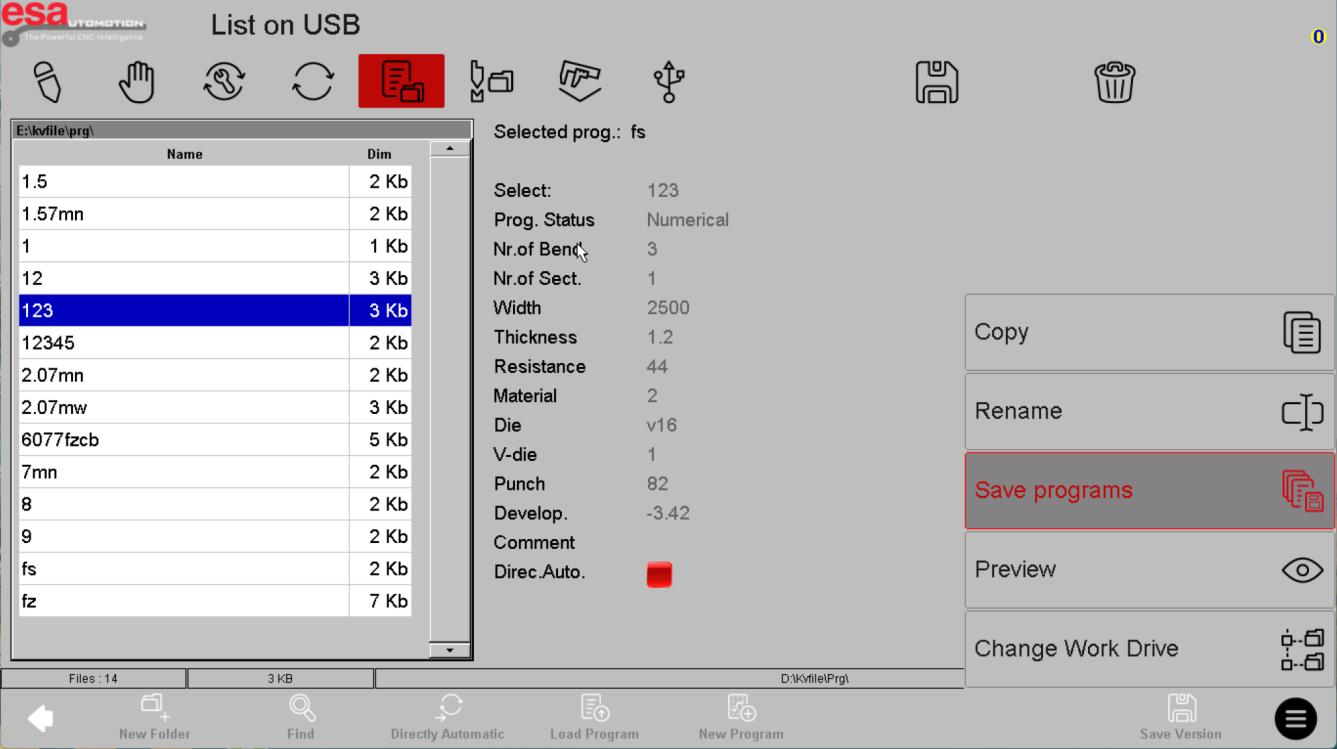
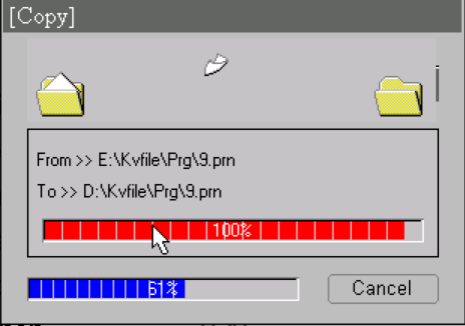
Before using this on your machine
- Confirm S840 versus S840 W and the installed software revision.
- Check that the documented functions match your licenses and fitted axes.
- Protect released program and tool-library versions before changes.
- Use qualified support for motion, reference, force and safety-related settings.
S840 W specifications and option notes →
Discuss your control requirements →BENDRYX educational commentary with permission-based S840 reference screenshots. This lesson is not a machine certification, a commissioning instruction or a replacement for the supplied operating manual.