Choose the preparation method
The reference offers numerical and graphical creation. Numerical preparation suits a defined set of dimensions and bends; graphical preparation provides a profile view. Available functions depend on the installed software package.
Compare the numerical and graphical creation screens below.
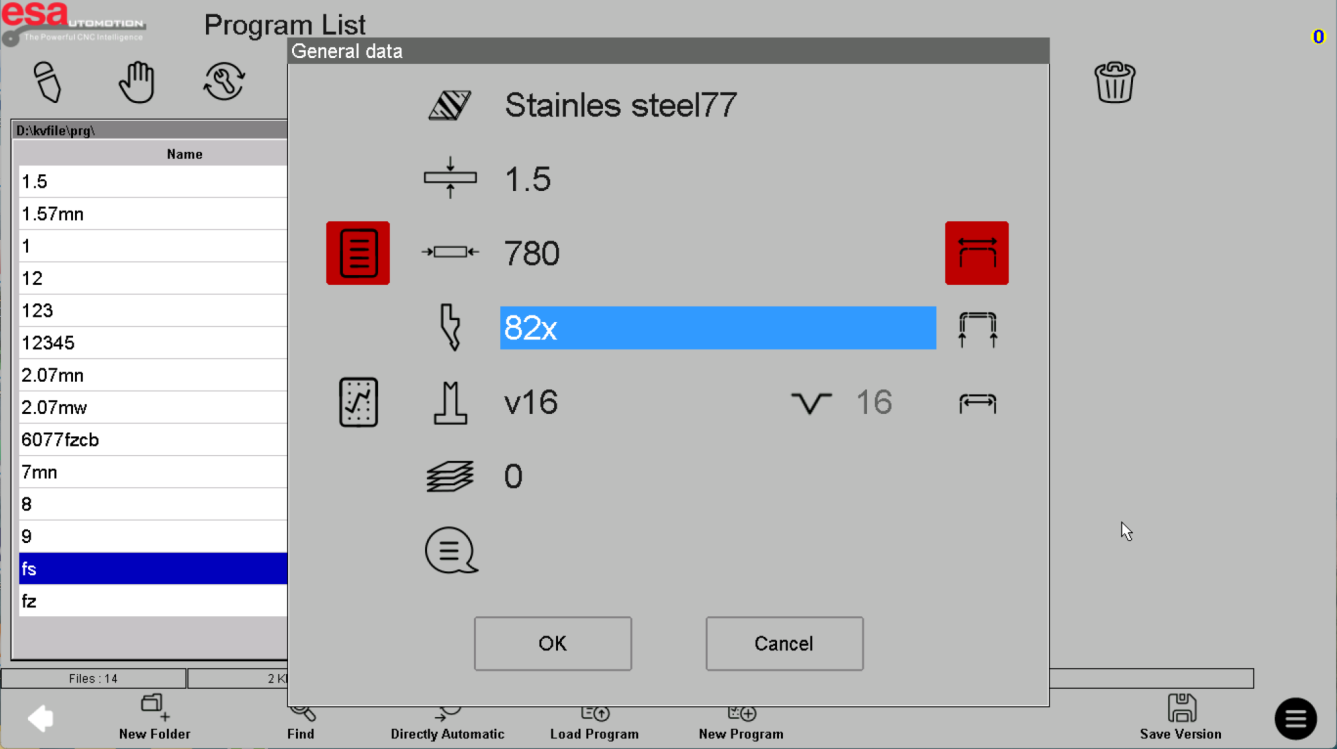
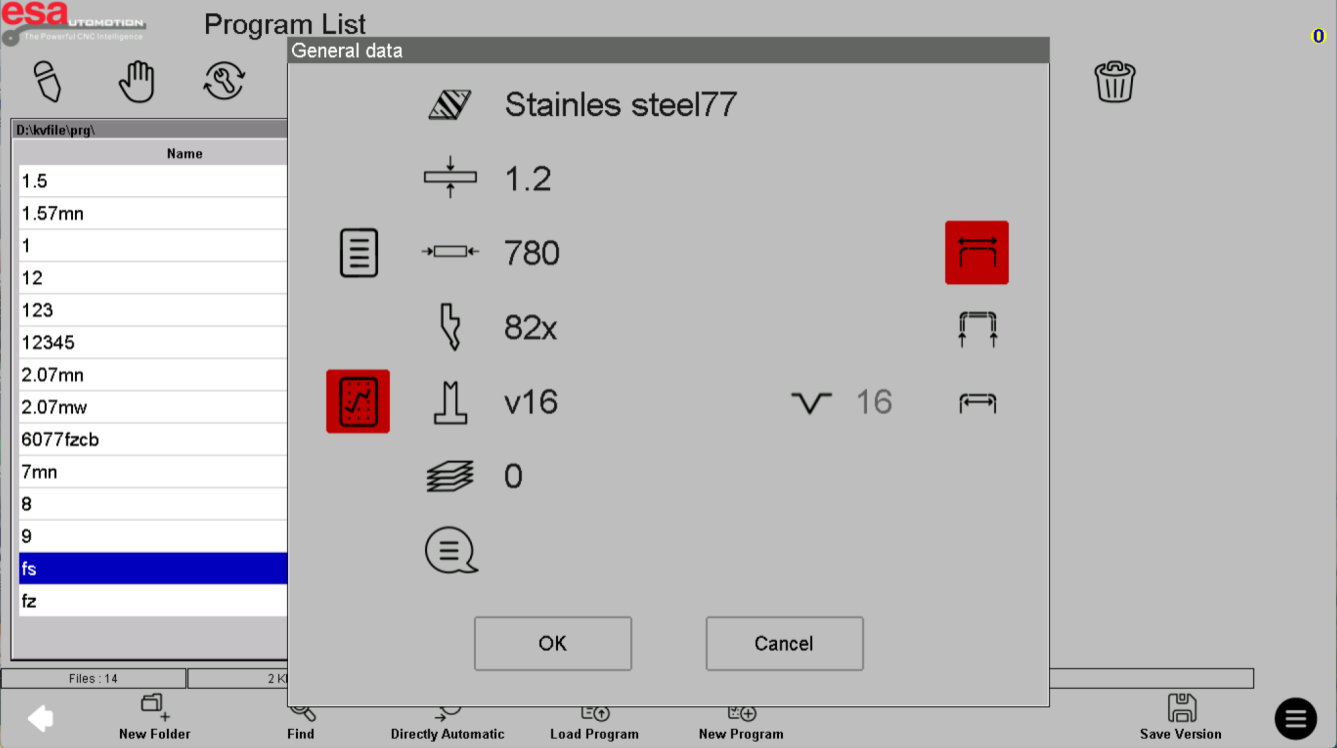
Complete the basic data
Enter the approved material description, thickness, tool selections, quantity and measurement convention. Use the actual tooling records. Inside and outside dimensions are not interchangeable; resolve the drawing convention before proceeding.
Return to the numerical example and inspect the basic material and tooling fields.
Review before adding production steps
Check the initial job data, then build the bend sequence using your approved process. Save a uniquely named working version. Graphical preparation does not establish that collision simulation or automatic sequence optimization is included.
Use the graphical example to review the profile; graphical entry alone does not establish collision-checking capability.
Before using this on your machine
- Confirm S840 versus S840 W and the installed software revision.
- Check that the documented functions match your licenses and fitted axes.
- Protect released program and tool-library versions before changes.
- Use qualified support for motion, reference, force and safety-related settings.
S840 W specifications and option notes →
Discuss your control requirements →BENDRYX educational commentary with permission-based S840 reference screenshots. This lesson is not a machine certification, a commissioning instruction or a replacement for the supplied operating manual.