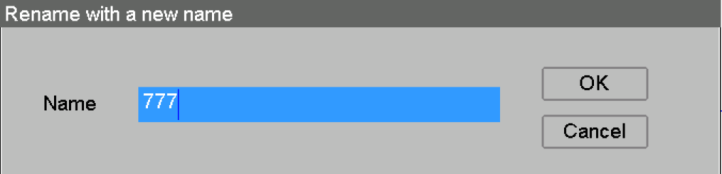
Use library changes intentionally
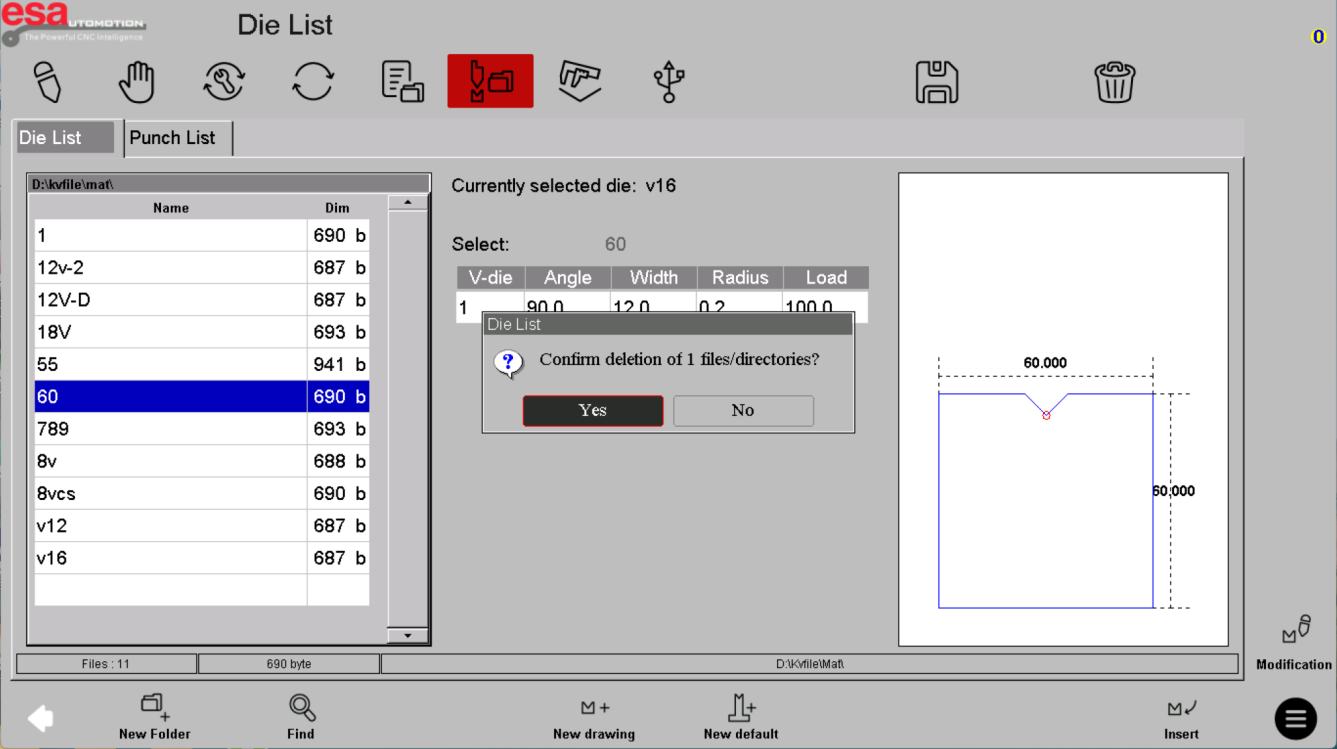
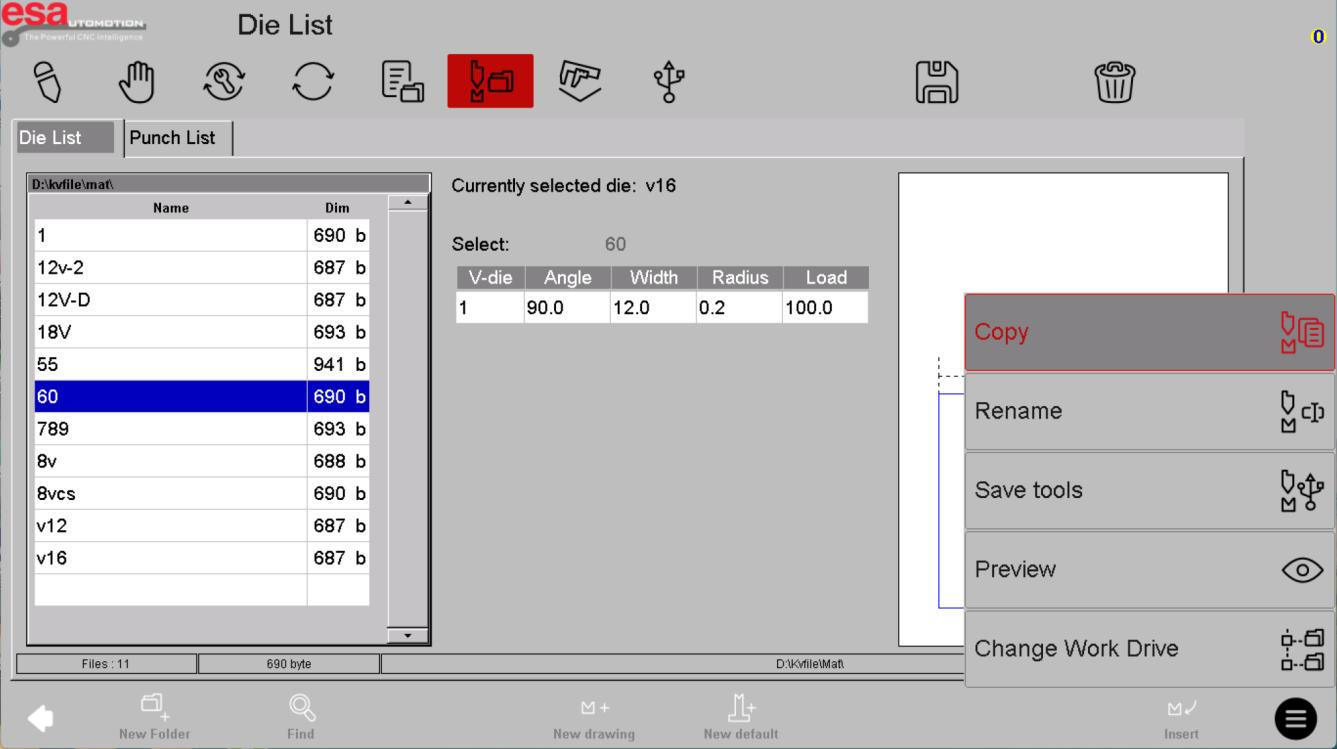
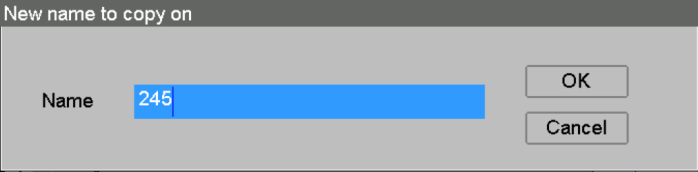
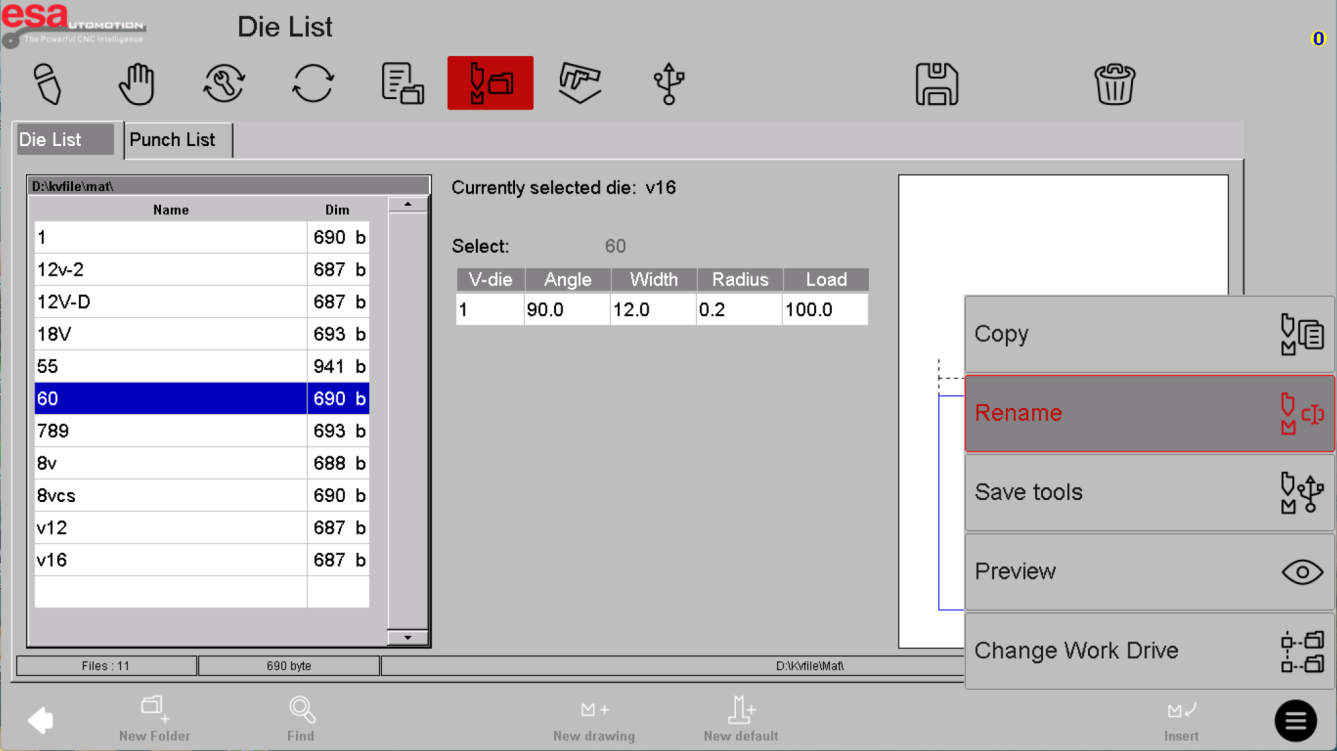
Delete removes a record, Copy makes a new starting point and Rename changes how it is identified. Confirm the exact selected tool and protect the released library before applying changes.
Use the reference screens below alongside this explanation. Select an image to inspect its original size.
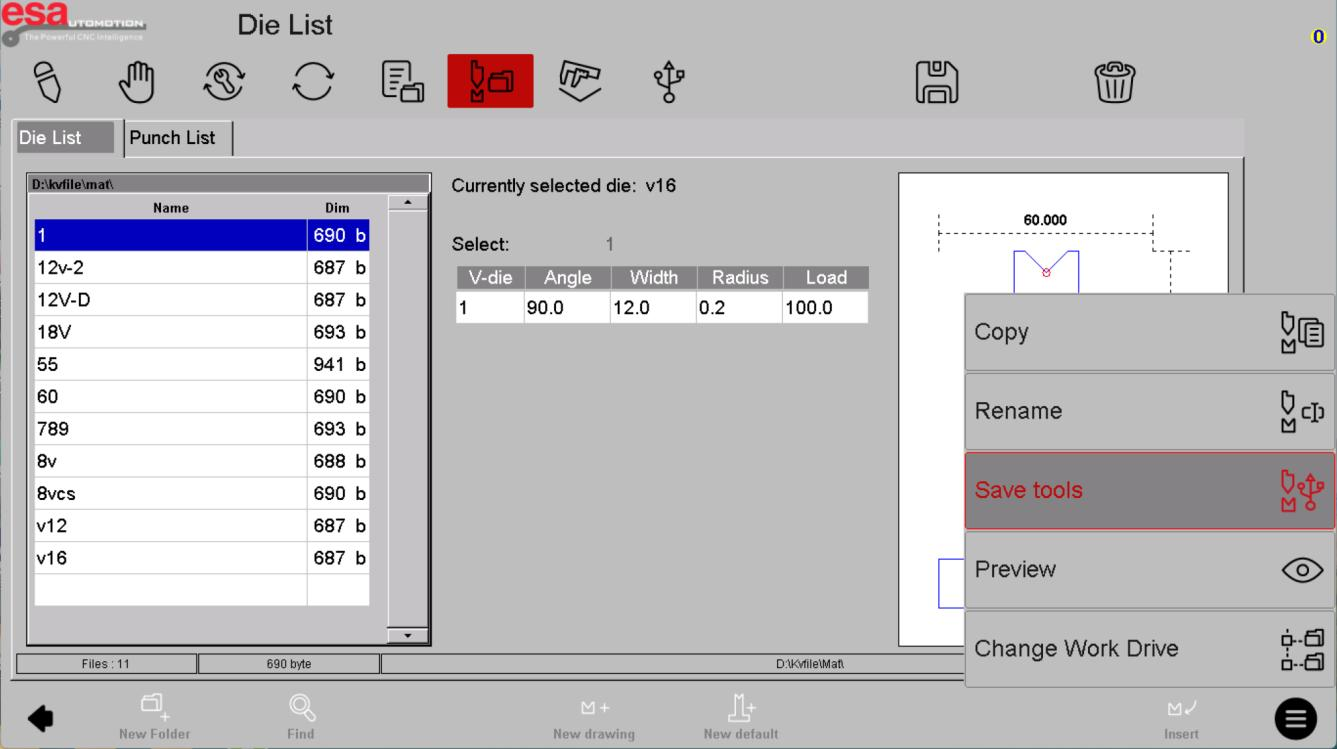
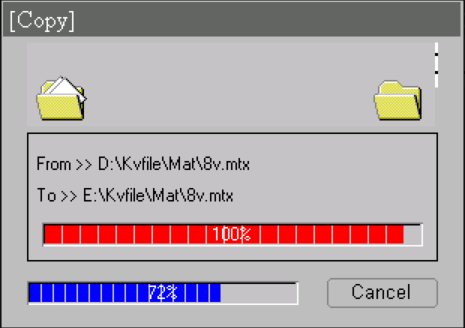
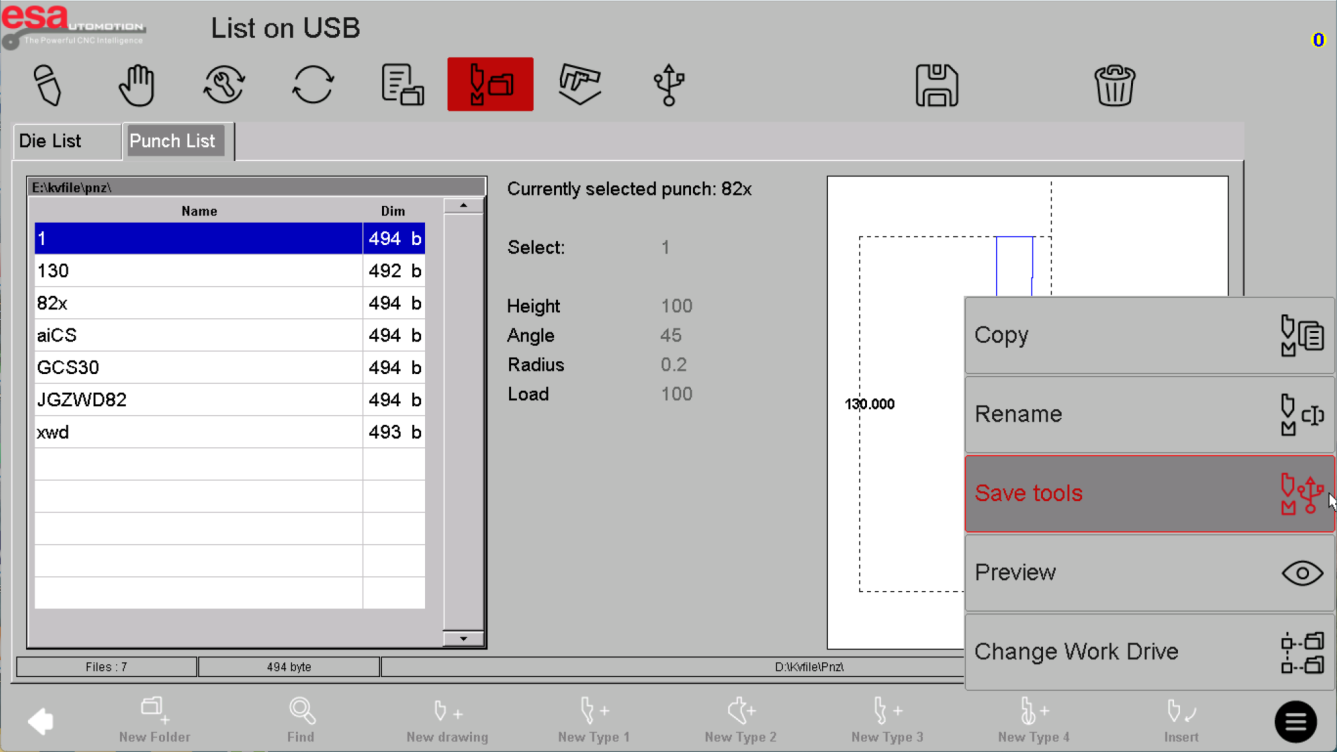
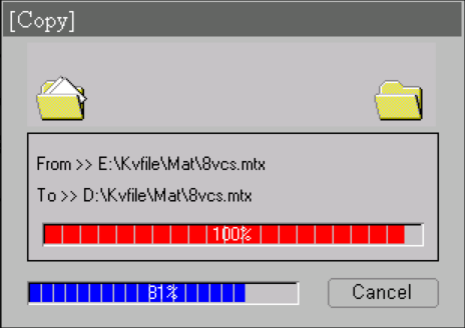
Back up both tool families
The reference shows external storage and separate tool paths. Record which punch and die libraries were exported, when and from which machine. Verify the saved files rather than assuming the operation succeeded because the dialog closed.
Use the reference screens below alongside this explanation. Select an image to inspect its original size.
Check restored records
A recovered file still needs to match the installed tooling and machine. Review dimensions, ratings and references in affected programs. Do not merge tool libraries from different machines without checking identifiers and compatibility.
Use the reference screens below alongside this explanation. Select an image to inspect its original size.
Before using this on your machine
- Confirm S840 versus S840 W and the installed software revision.
- Check that the documented functions match your licenses and fitted axes.
- Protect released program and tool-library versions before changes.
- Use qualified support for motion, reference, force and safety-related settings.
S840 W specifications and option notes →
Discuss your control requirements →BENDRYX educational commentary with permission-based S840 reference screenshots. This lesson is not a machine certification, a commissioning instruction or a replacement for the supplied operating manual.