Import the part
The brochure describes native CAD and IGES/STEP import. Confirm your file format, software version and postprocessor before purchase.
ESA bending systems · Brochure guide
Plan tools, bend order and gauging before releasing a job to the operator. Offline software is a separate package to confirm, not an onboard 3D feature included with S840 W.
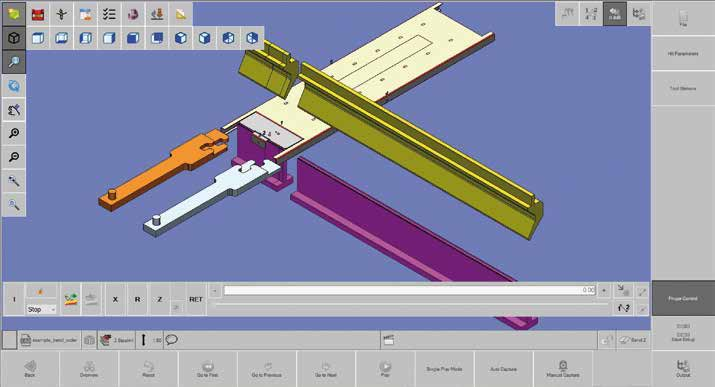
The brochure describes native CAD and IGES/STEP import. Confirm your file format, software version and postprocessor before purchase.
Build tool stations and sequences, review part/tool/machine collisions and set backgauge positions. Simulation depends on an accurate digital model of the installed machine.
Create an operator report for tool stations, handling and bend order. Validate the real setup before production.
Open an illustration at its original extracted size. These are manufacturer reference images, not photographs of a specific BENDRYX installation.
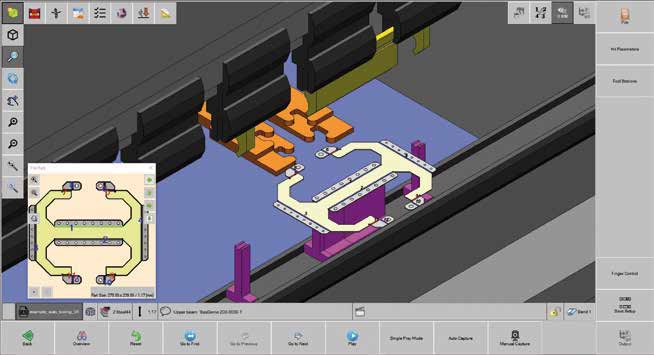
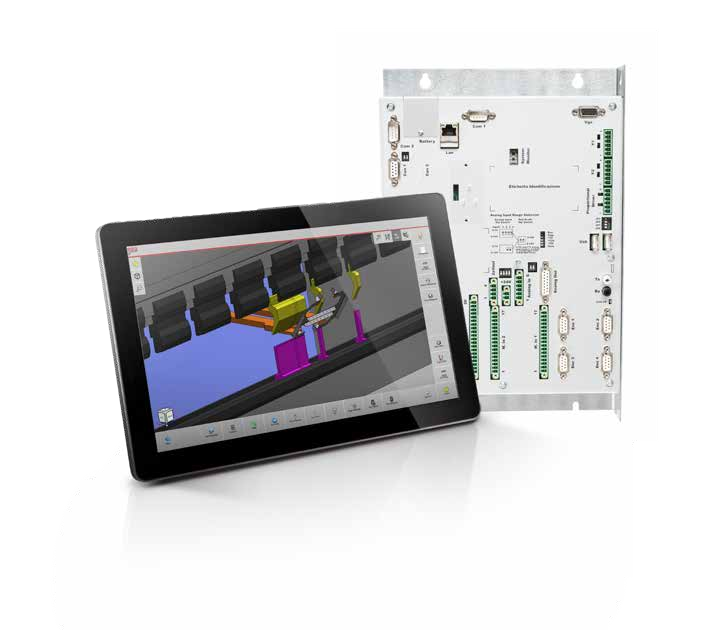
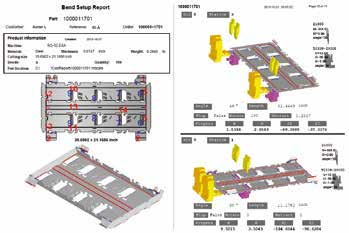
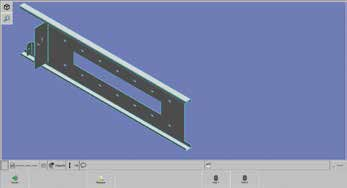
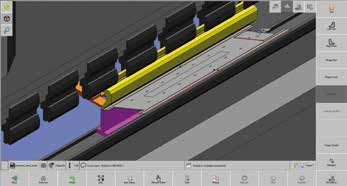
ESA manufacturer reference, not a guarantee of the equipment installed on any individual BENDRYX machine. The quotation determines rack, axis count, software licenses and accessories. ESA S840 W is our standard platform; other models and systems require application and availability confirmation.
Images and specification reference: ESA VIS-600/800 bending brochure (2024), printed pages 26–31. Manufacturer illustrations retain their original appearance. Published brochure values should be reconfirmed against the current supplied configuration.
Tell us your machine, parts, gauging and programming requirements. We will confirm the control and options in your quotation.